- Once you Sign Up/Login, click on Start a new Project from your dashboard.

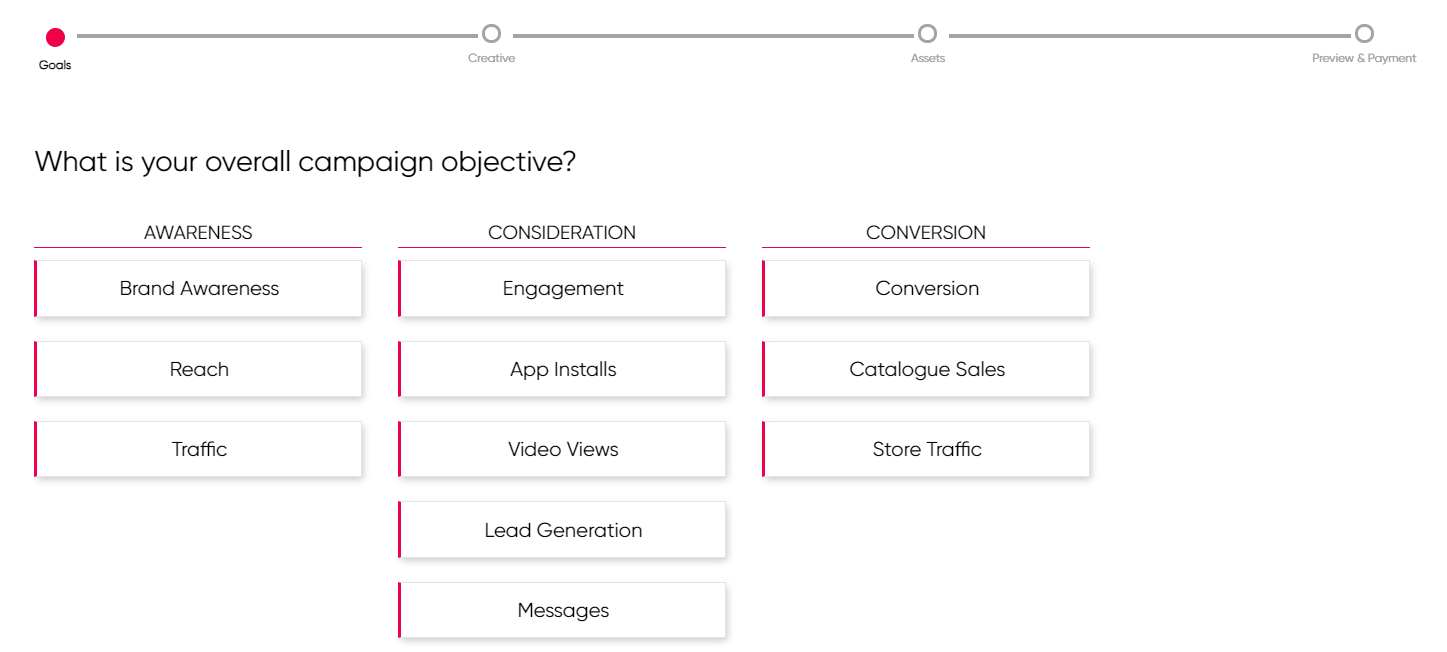
- Select your Campaign Objective (maximum two)
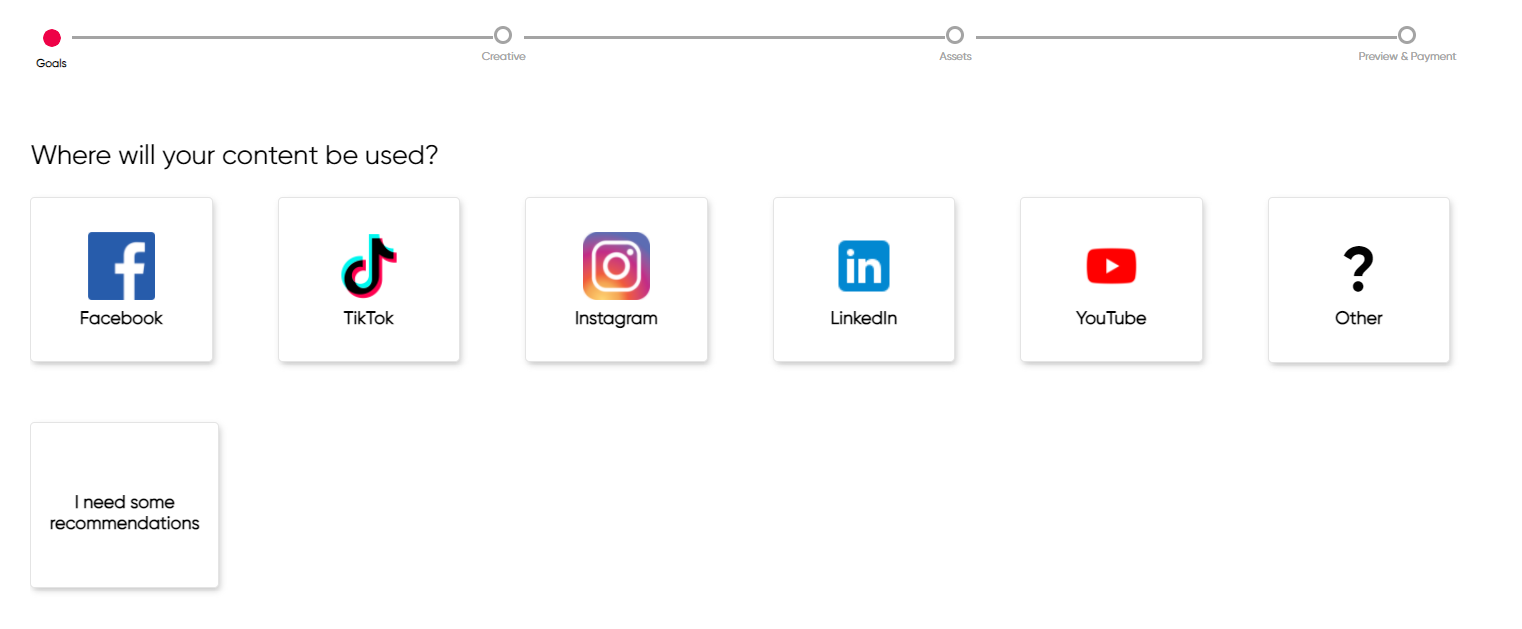
- Select the Media Platform your creatives will be uploaded to.
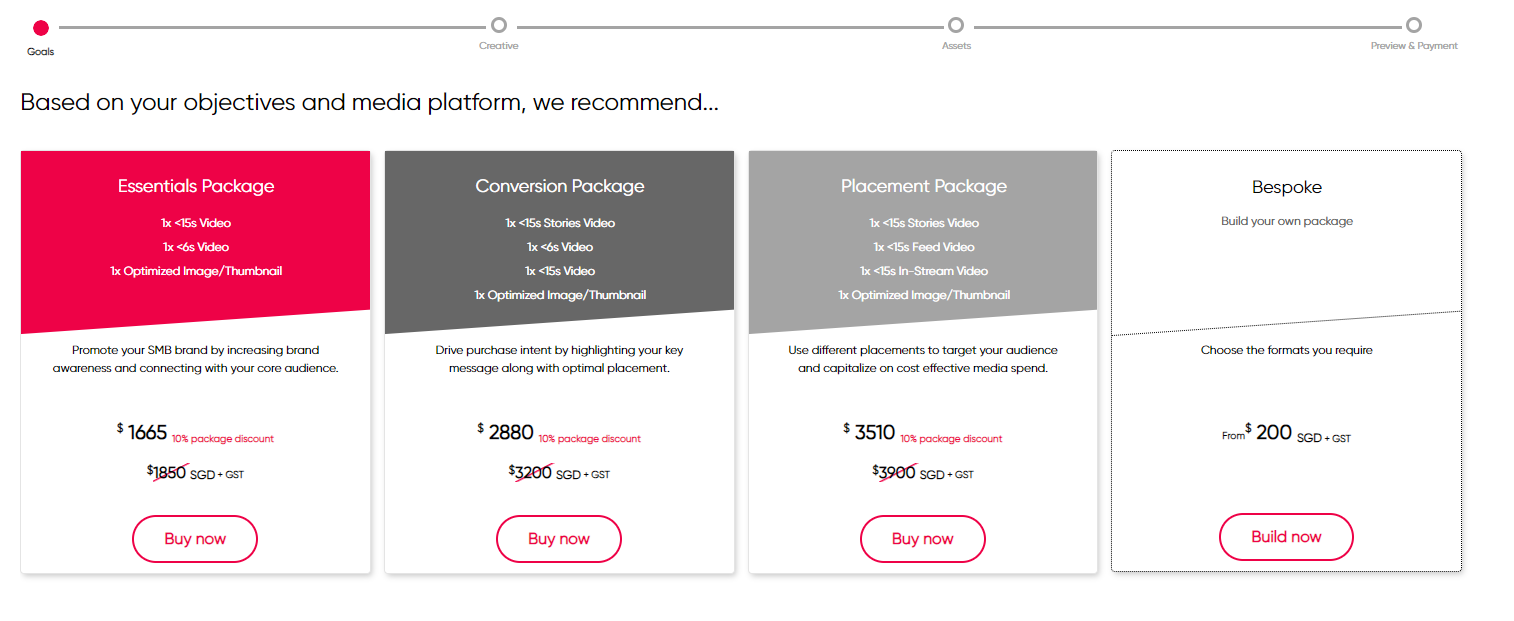
- Choose your Deliverables from either our Recommended Packages or Build your own Package
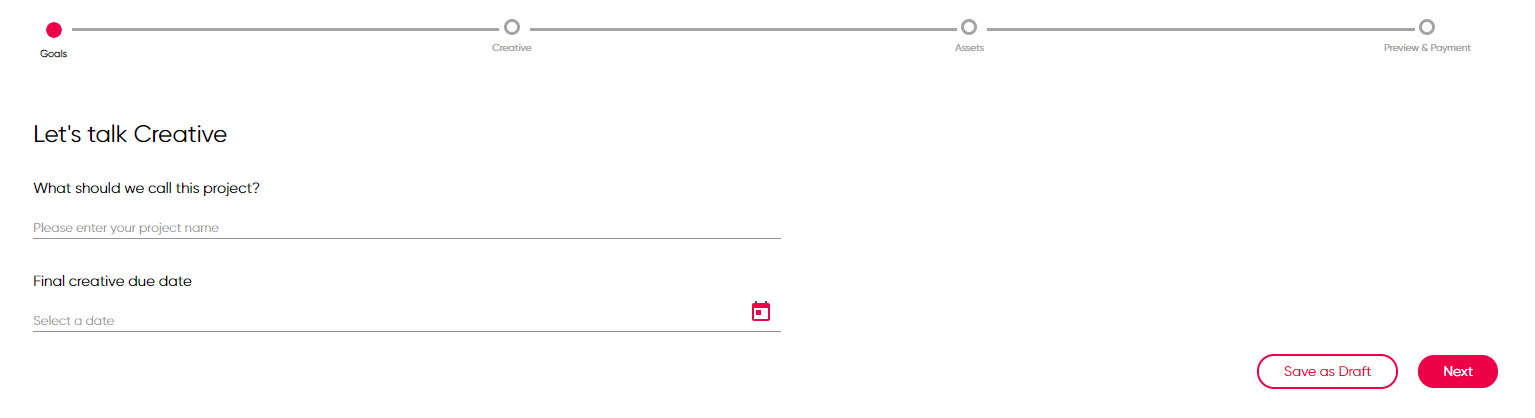
- Share your Brief Requirements
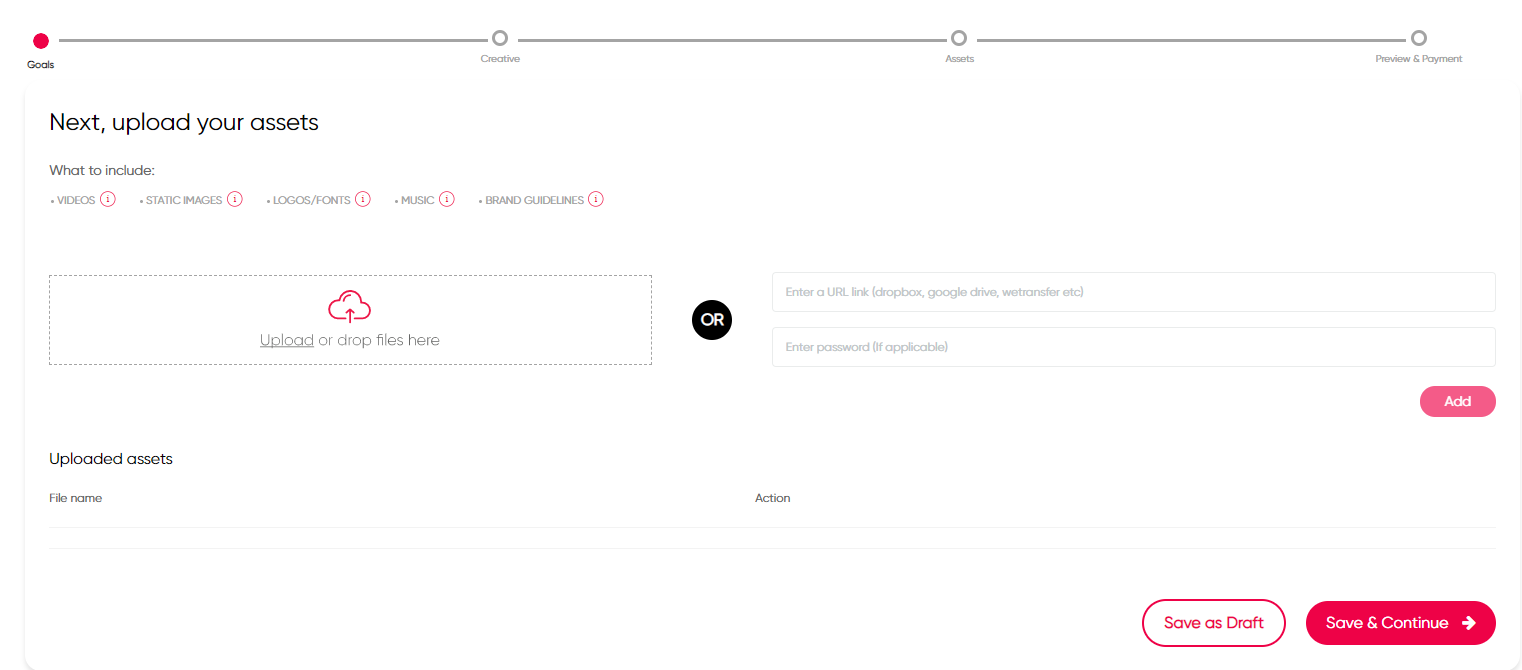
- Upload your Existing Assets
- Review your selections and proceed to Payment.
- Then you're all set! We'll be sending you an email confirmation along with a guide to your project delivery timelines and next steps.
Comments
0 comments
Please sign in to leave a comment.